
Put your trading ideas to work.
Build and test a crypto trading bot on your own computer. Krellbot gives you a fully open-source engine, with Strategy Packs when you want a head start and room to build your own with AI.
MIT licensed · Runs locally · Backtesting and paper trading included

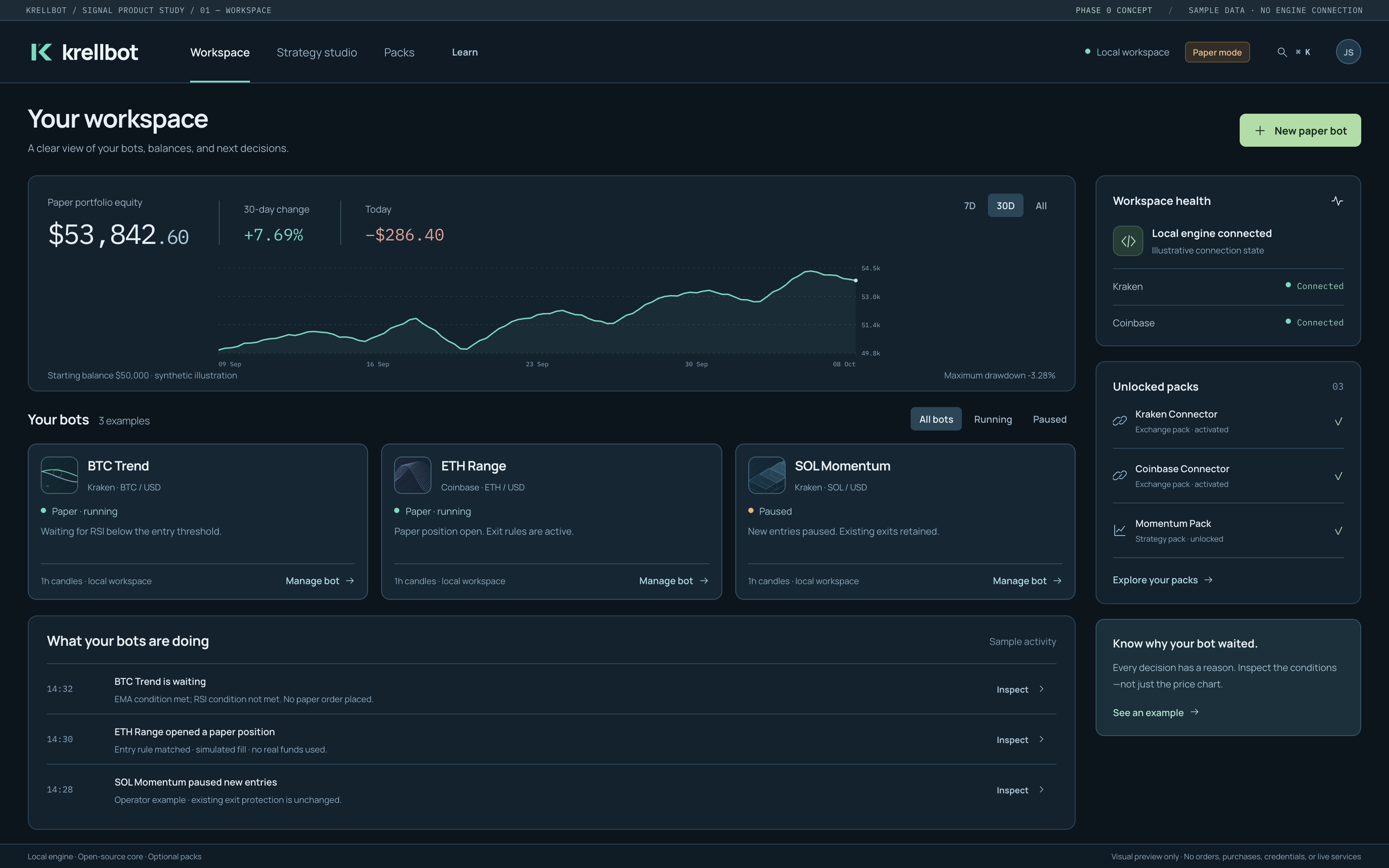
Go straight to the shortlist.
Spend your time finding a strategy that fits how you trade. Krellbot’s maintained packs give you ready-written rules and historical backtests to work from, including trading costs and the periods when things went badly.
Explore strategies tested on years of Kraken and Coinbase market history, then try the ones that interest you on your own machine.
$39/month for the maintained catalog and updates.
The planned subscription. Checkout is currently test-only; paid access is not launched.
Historical results include the stated fees and slippage. Backtests do not predict future returns.
Published historical results
Selected historical backtests · not live fills · fees and slippage included.
Test checkout — no live charge
Build with the AI you already use.
Have an idea for a bot? Work through it with your AI assistant, then test the strategy in Krellbot. Bring back the results, change a condition, and run it again.
Strategies are readable files containing the trading rules. You can see what your assistant wrote and how the engine interprets it before putting it to work.

Make Krellbot your own.
Use it as it comes, or change the parts you wish worked differently. The engine is MIT-licensed, and running your own strategies doesn’t require a subscription.
If you build something useful, we’d love to see it.
Krellbot runs locally and connects directly to your exchange. krellbot.dev doesn’t receive your exchange credentials. Read how credentials and trading permissions work in the security guide.

See your first bot trade on paper.
Start with simulated funds and watch how a strategy behaves. The guide walks you through an example so you can check its trades and experiment with the rules.
Current release install commands
Current release install commands
curl -fsSL https://krellbot.dev/api/install?os=mac | sh
Open Terminal. On a Mac, press Command-Space, type Terminal, and press Return. Paste the command. Press Return. Linux x86_64: use os=linux instead of os=mac.
irm https://krellbot.dev/api/install?os=win | iex
Open PowerShell. Press the Windows key, type PowerShell, and press Enter. Right-click in the window to paste. Press Enter. This command installs the existing public release, not the new Signal workspace preview.
The public installer remains pinned to release v0.9.4; the new Windows Signal preview is not yet available. Downloads are SHA-256 pinned, not code-signed or Authenticode-signed. A checksum checks integrity, not publisher identity. The installer is release-gated: if no valid release is available for your platform, it refuses installation. Review the script before running it. See Getting started and Security.
Quickstart commands
Walk through the guideShow quickstart commands
After the install, open a new terminal window. See what is installed
krellbot list
Optional, for maintained packs only: add your activation key. The free engine and your own strategies do not need one.
krellbot setup <activation-key>
Save your exchange key in a text file. Line one is the key. Line two is the secret. Trade stays on. Withdraw stays off.
krellbot keys add kraken --file key.txt
Backtest a pack against cached candles
krellbot backtest pack.json --venue kraken
Arm a pack in paper mode first.
krellbot arm pack.json --venue kraken --mode paper
Install the hourly tick schedule under your OS scheduler
krellbot service install
Open the local dashboard
krellbot ui
Write your own runnable JSON pack in ~/.krellbot/packs/ using schema_version: 1. An id and public_label alone are legacy: not runnable. See Pack format for the full schema.
I want Krellbot to become the first place people go when they want to build a crypto trading bot. Giving away the engine is a big part of that.
AI is changing how people build software. I want Krellbot to give them an open platform they can take further than I could on my own.
The Strategy Packs are how I intend to fund that work. If they save you time, I hope you’ll subscribe. If you’d rather build everything yourself, I hope you’ll do it here.
Founder & Lead Engineer, Krellbot